

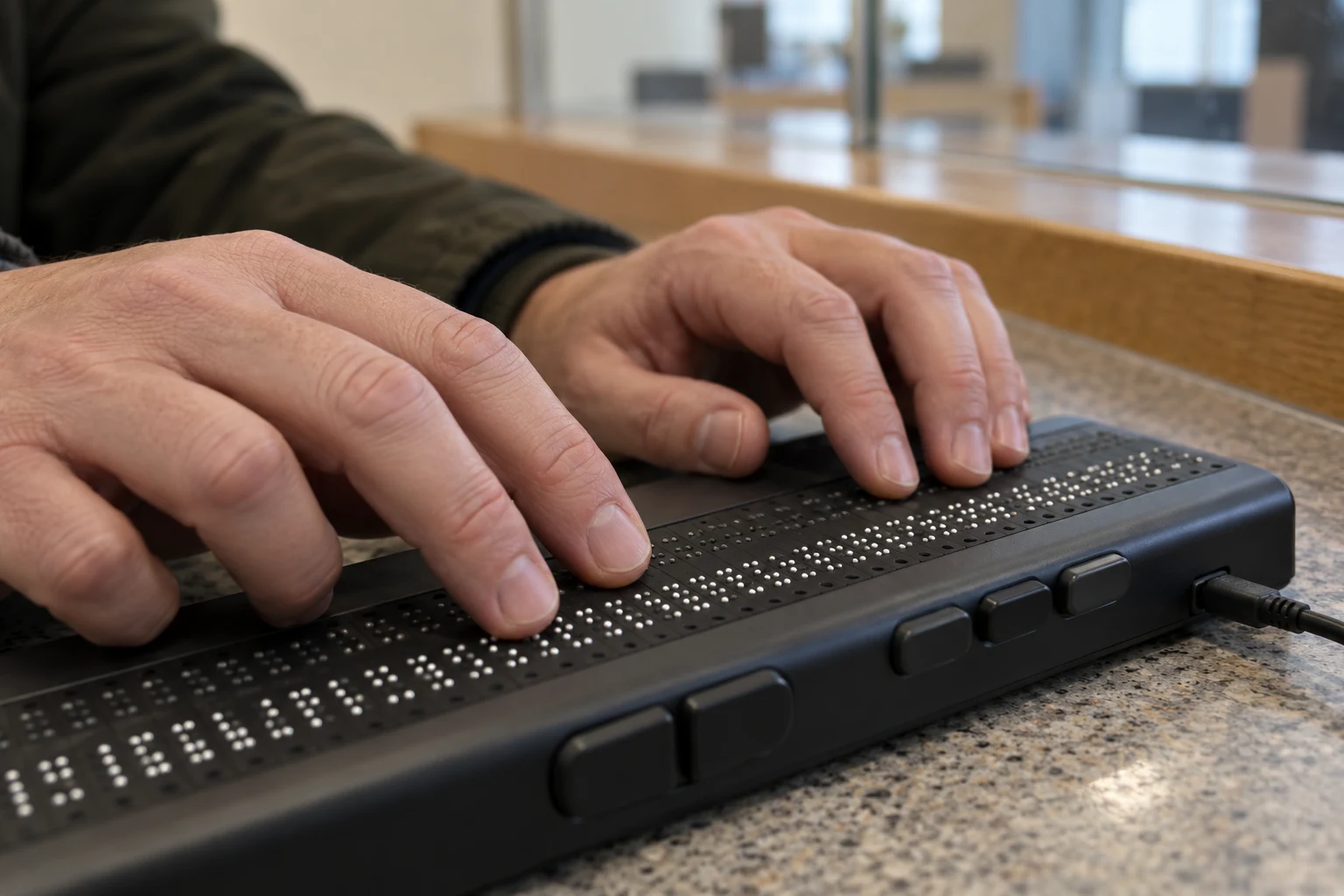
“This website is inaccessible” can describe many barriers: a form that cannot be completed by keyboard, an unreadable document or a checkout control that a screen reader cannot identify. The useful report explains the task that failed and which service operates it.
This guide compares Ireland’s public-sector web rules with the European Accessibility Act. It offers a practical barrier record, not a compliance audit of any named website or a finding that a business is exempt.
Public-sector sites: find the accessibility statement
The National Disability Authority’s statement guidance explains that public bodies must publish and update an accessibility statement covering their websites and apps. It should identify compliance status, inaccessible content, relevant alternatives, feedback contacts and redress routes.
Use the statement for the actual site or app, rather than another service operated by the same organisation. Note its review date and the contact for a barrier or accessible-format request. A statement’s existence does not prove that a particular task works for every user.
Consumer services: check the EAA’s scope
The CCPC’s explanation of the European Accessibility Act identifies its application from 28 June 2025 and examples of covered products and services. The CCPC covers the products within its market-surveillance remit and services including e-commerce and e-books; other services have their own compliance authorities.
This is not a rule that every website is covered in exactly the same way. The CCPC’s microenterprise guidance distinguishes services supplied by qualifying microenterprises from the obligations attaching to covered products. A small-business description alone is not a complete assessment. Dates, scope and any transitional rules need to be checked for the actual service.
Describe the barrier as a task
An original report template can use five fields: page or app version; intended task; steps taken; barrier encountered; and assistance or alternative requested. For example, “I reached the payment stage using a keyboard, but could not move focus to the confirmation button” is more reproducible than “the site is broken”.
Where useful, state the browser and assistive technology involved. Share only what is relevant; there is no need to disclose a medical history to explain a keyboard trap. Remove personal data from screenshots.
Keep practical access and enforcement separate
If information or a service is needed urgently, ask for an accessible alternative while the underlying fault is assessed. Record the request and reply. A temporary alternative can help complete a task without resolving the wider design problem.
Follow the complaint route in the public body’s statement, or identify the relevant EAA authority for the service. Keep the same factual record when escalating. It allows an organisation to reproduce a problem and track its resolution without requiring a reader to make a technical or legal finding first.
Join the conversation
Keep it kind, relevant and constructive. Comments are reviewed before they appear.
Be the first to share a thought.