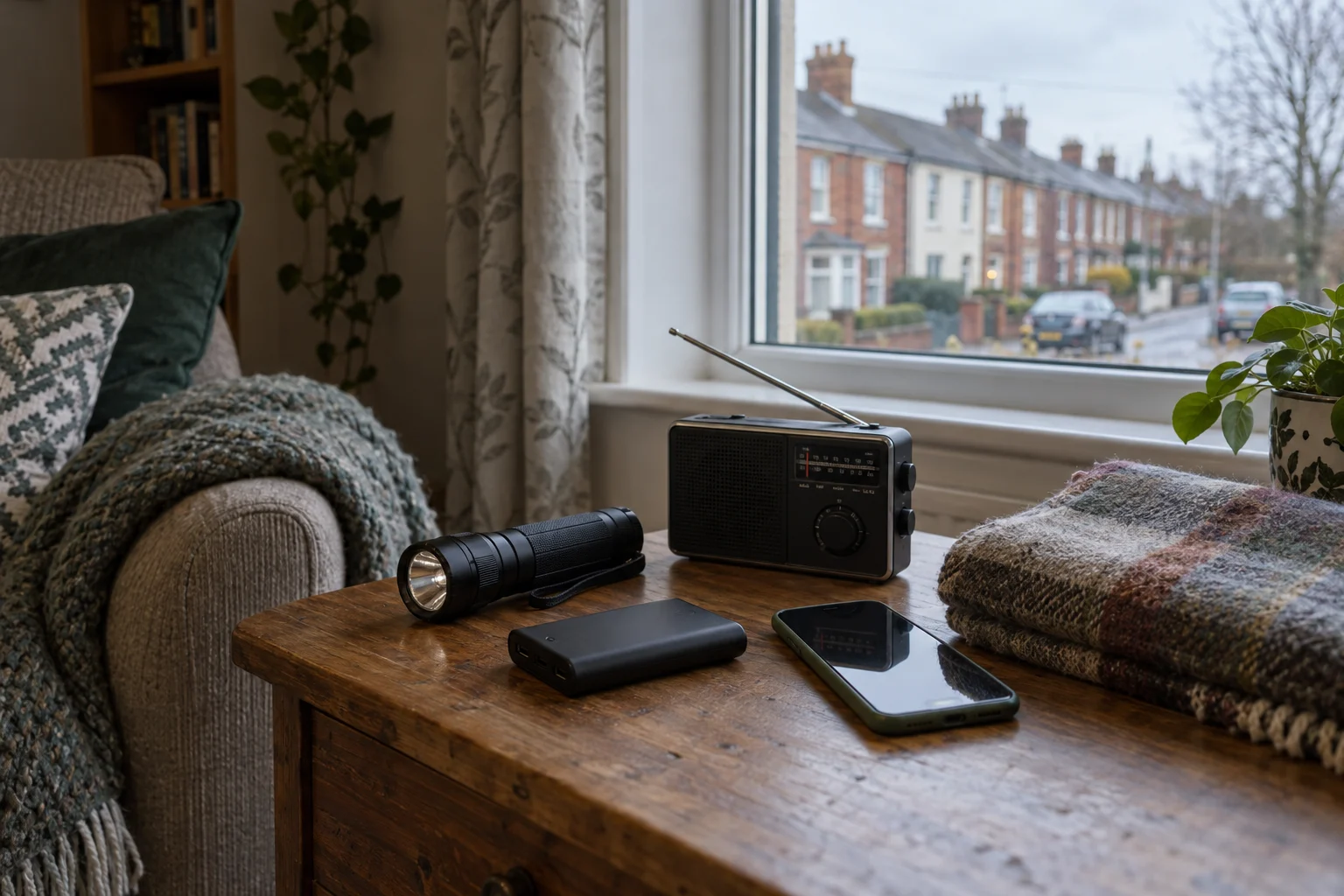
A phone full of useful links is only part of a winter power-cut plan. The household also needs a way to find the right number, identify the property and get information without relying on its usual internet connection.
ESB Networks advises keeping its emergency number and your MPRN accessible, having a torch with spare batteries and knowing where to obtain outage updates. Its preparation page also recommends finding your Eircode before severe weather arrives. [1][2]
Use a quiet autumn evening to assemble those details and try the ordinary equipment. This guide covers communication and basic household preparation; it does not report an outage happening now.
Make a private contact card
Save ESB Networks' faults and emergency number, 1800 372 999, in your phone. Copy it onto a paper card beside the property's Eircode and MPRN, the electricity connection identifier on your bill. Keep the card somewhere household members can find, without putting personal account information on public display. [1][2]
Add one agreed contact for checking in with a relative or neighbour. Discuss the arrangement first: who makes the call, when to try again and what to do if there is no answer. Keep that plan simple enough to use when batteries and attention are limited.
Test the information route while the power is on
Open the official PowerCheck service through ESB Networks' preparation page and find how it displays local faults. During an outage, the service offers updates through the relevant fault pin. ESB Networks also points to radio broadcasts as an information route during major outages. [1][2]
Put the official link in a bookmark and check whether the people who may need it know how to use it. Have a radio option available if that suits the household. Do not assume mobile reception, internet access or a restoration estimate will stay unchanged throughout a disruption.
Keep a charged power bank and the correct cable together if you already use one. Test that the cable fits the phone, rather than discovering a mismatch in the dark. A charged device still needs a reachable network to receive online information.
Put the torch where someone can find it
ESB Networks recommends an accessible torch and spare batteries. Check the torch works, identify the battery type and agree its storage location. If the home has powered gates, the network operator advises knowing the manual override. [1]
Read the gate's instructions before practising its normal user procedure. Leave electrical faults, wiring changes and generator connections to qualified professionals. Households relying on powered medical equipment should discuss registration and a suitable backup plan with their electricity supplier and care team in advance. [1][2]
Keep the safety response clear
Never approach fallen wires or damaged electricity poles; ESB Networks says to keep away and report them on 1800 372 999. It also advises switching off cookers, ovens, irons and other appliances that could restart unattended, while leaving one light on to indicate restoration. [2]
After assembling the card and equipment, ask another household member to find both. That small handover tests whether the plan is accessible rather than just saved on one person's phone.
ESB Networks guidance was checked on 11 October 2026.

Join the conversation
Keep it kind, relevant and constructive. Comments are reviewed before they appear.
Be the first to share a thought.